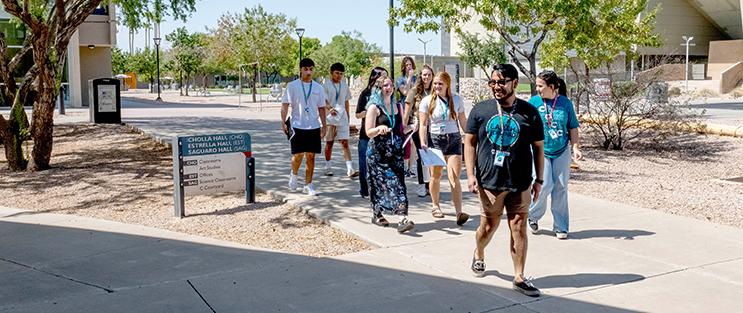
Welcome to Chandler-Gilbert Community College!
Getting started at CGCC is simple; just follow four easy steps to become a Coyote. From applying for admission and completing placement, to meeting with an advisor and registering for classes, we’ll guide you through every stage of the enrollment process.
GET ADMITTED
Everyone is accepted! Become a Coyote by completing the online admissions application and setting up your student account:
- Apply to Chandler-Gilbert Community College.
- Submit your government-issued photo identification (ID).
- Check your Maricopa Student Email for important messages from the college.
Make a plan to pay.
Options include financial aid (FAFSA.gov), self-pay, grants, scholarships and more.
ASSESSMENT, PLACEMENT & PRIOR CREDITS
Course placement is determined by completing one or more of the options below, which meet the minimum placement requirements in English, reading and math.
Explore placement options here!
Ways to identify your class placement include:
- Take the free online EdReady placement exams and Maricopa Diagnostic Assessment.
- Provide official transcripts of prior education, such as high school, college credits, CLEP and AP scores.

PRE-ADVISEMENT WORKSHOP & INITIAL ADVISEMENT
Complete the online Pre-Advisement Workshop before scheduling your initial appointment with an academic advisor.
- Submit the Pre-Advisement Workshop registration form.
After submitting the form, check your Maricopa Student Email for the workshop access link. - Schedule an online Initial Advising appointment.
Note: Advising appointments may be cancelled if prior steps are not completed.
REGISTER FOR CLASSES & FINALIZE PAYMENT ARRANGEMENTS
Search the class schedule and enroll in your semester classes. Finalize your payment arrangements before the payment deadline.
- Find your classes.
- Register for classes in your Student Center.
- Pay your tuition and fees or confirm your financial aid/payment arrangements before the payment deadline.
*If you need additional help enrolling, call 480-732-7320 or visit the Live Enrollment Support (LES) chat room, 10 a.m. - 3 p.m.